Client communications
Client Mailout Publisher
Prepare personalised messages as editable drafts in classic Outlook. You review and send them yourself.
We’re not taking orders for this app yet.
Runs on Windows 11 and uses classic Outlook.
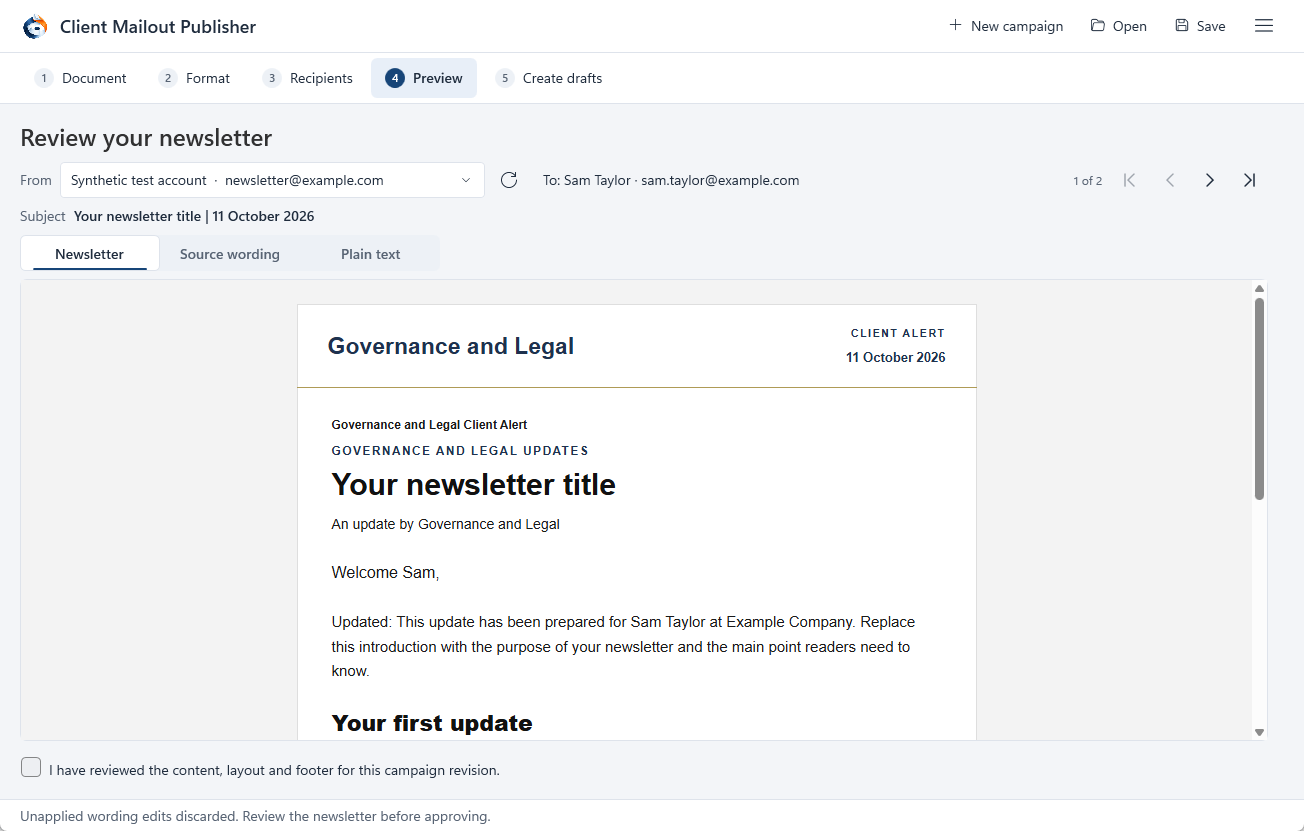
In use
How it works.
Prepare the content
Choose the source content, review recipient details and select the sending account.
Check the recipients
Review personalised previews, inclusion choices, duplicate addresses and suppression controls.
Create drafts, then review
The application prepares editable Outlook drafts. It does not send the campaign; the sender decides when to send.
A closer look
Client Mailout Publisher
at work.
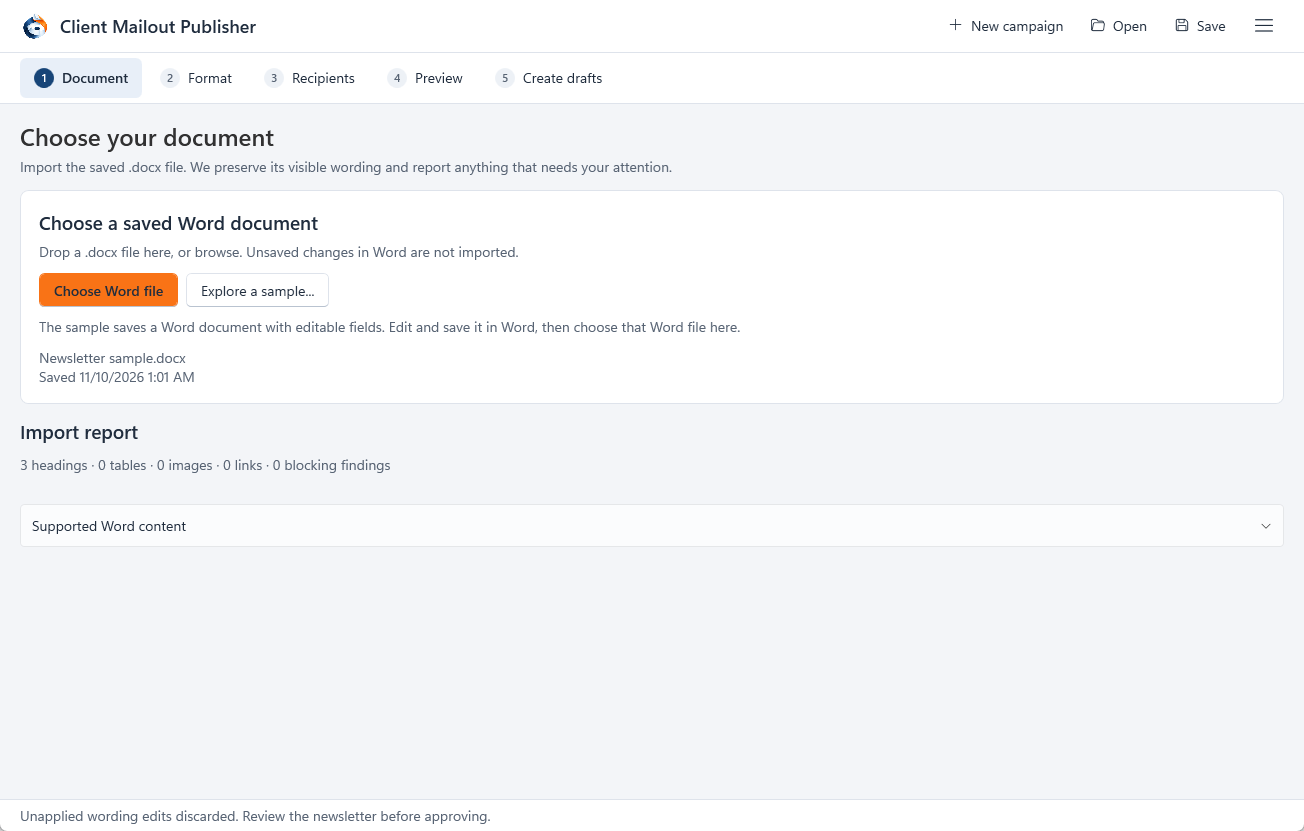
Check each message before sending
Import saved Word content, choose formatting, review recipient selections and inspect personalised previews. Duplicate and suppression checks help you review the list before preparing messages.
The application does not send the campaign. It creates editable drafts in classic Outlook; you review the messages and decide when to send them. Contact us if you’d like to know more.
Before you install
Check your setup.
Windows 11, WebView2, 64-bit classic Outlook and a configured profile. New Outlook is not supported.
We’re not taking orders for Client Mailout Publisher yet. Contact us if you’d like to know more.
Back up your working records and read the installation instructions before making changes.
Help with installation →Availability
Ask about Client Mailout Publisher.
We’re not taking orders for this app yet.
Get in touch if you’d like to know more about the app or discuss using it in your business.
Make a product enquiry →