Investigations
InvestiGator
Keep the people, interviews, evidence, correspondence and documents for an investigation together.
We’re not taking orders for this app yet.
Runs on your Windows computer.
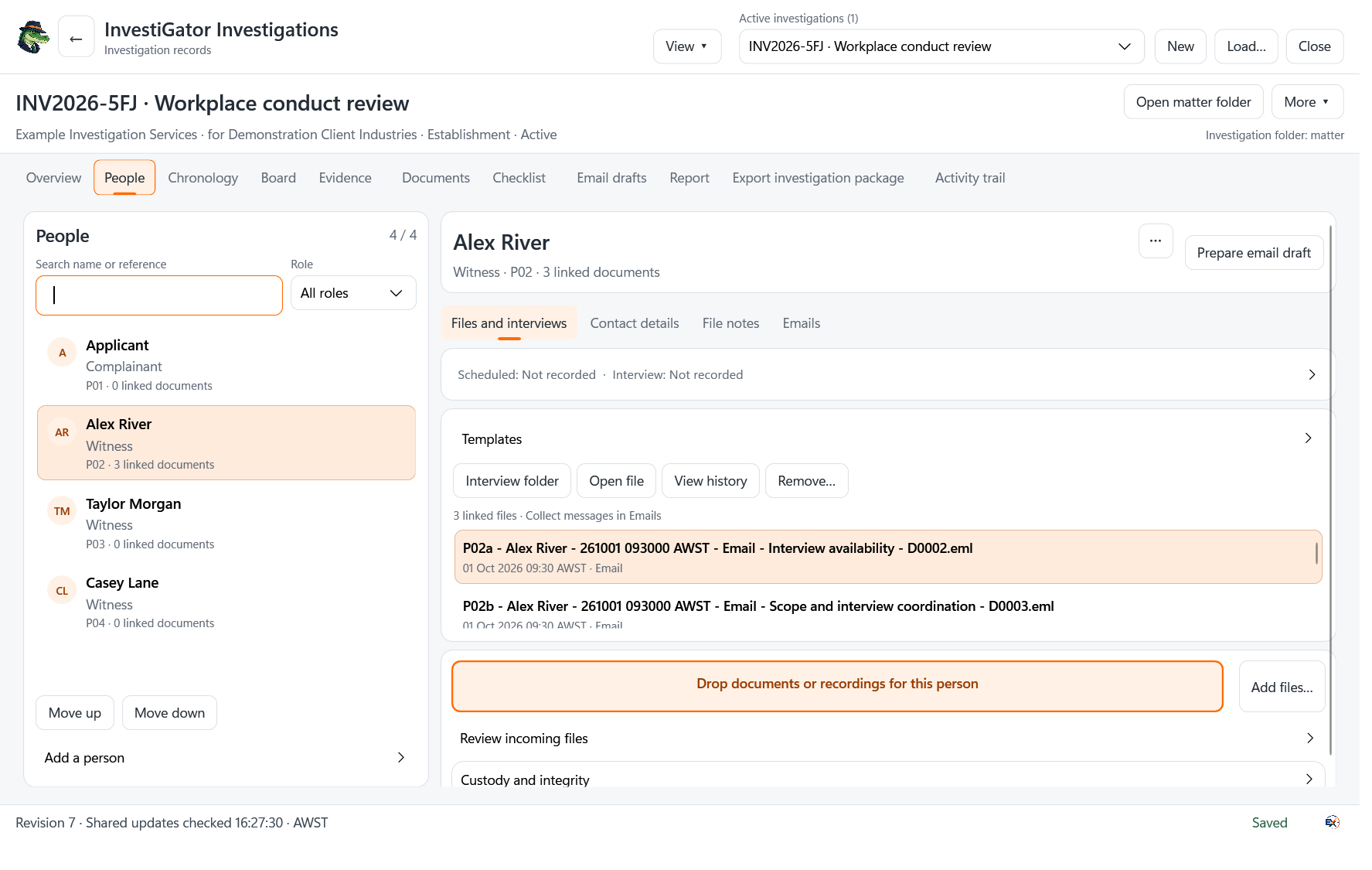
In use
How it works.
Open the matter
Create the investigation record and keep the case in an organisation-controlled location.
Link the people and material
Organise people, interviews, correspondence, file notes and supporting documents.
Review the case record
Work through process tasks and review the material collected. File integrity checks do not establish an allegation or replace professional judgement.
A closer look
InvestiGator
at work.
The case and its supporting records
Keep investigation matters, people, contact details, interviews, file notes, correspondence and documents in the case workspace. Tasks and process checklists help organise the work.
Document identifiers, integrity checks and revision records support file review. They do not prove origin or authenticity, establish an allegation, or replace professional judgement. Preserve original evidence.
InvestiGator Case Compile is a separate application for assembling supported documents into PDF material.
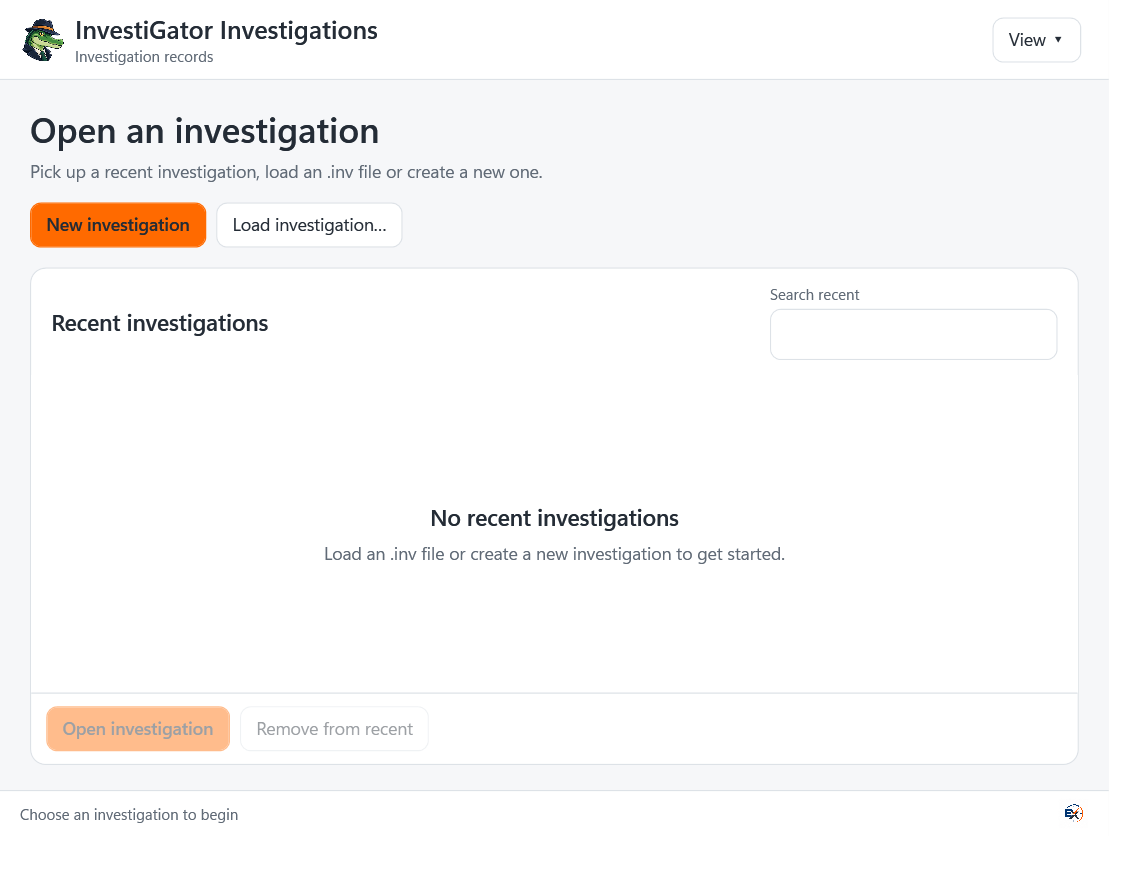
Before you install
Check your setup.
Windows 11 and a suitable case-storage location. Microsoft Office and classic Outlook are needed for operations that use those applications.
InvestiGator Case Compile is a separate application. Confirm which tools your case workflow needs.
Back up your working records and read the installation instructions before making changes.
Help with installation →Availability
Ask about InvestiGator.
We’re not taking orders for this app yet.
Get in touch if you’d like to know more about the app or discuss using it in your business.
Make a product enquiry →